What’s new at Euclid.
Keep up with the latest product, services, and company announcements.
The releases worth reading twice.
A dedicated view for every transaction
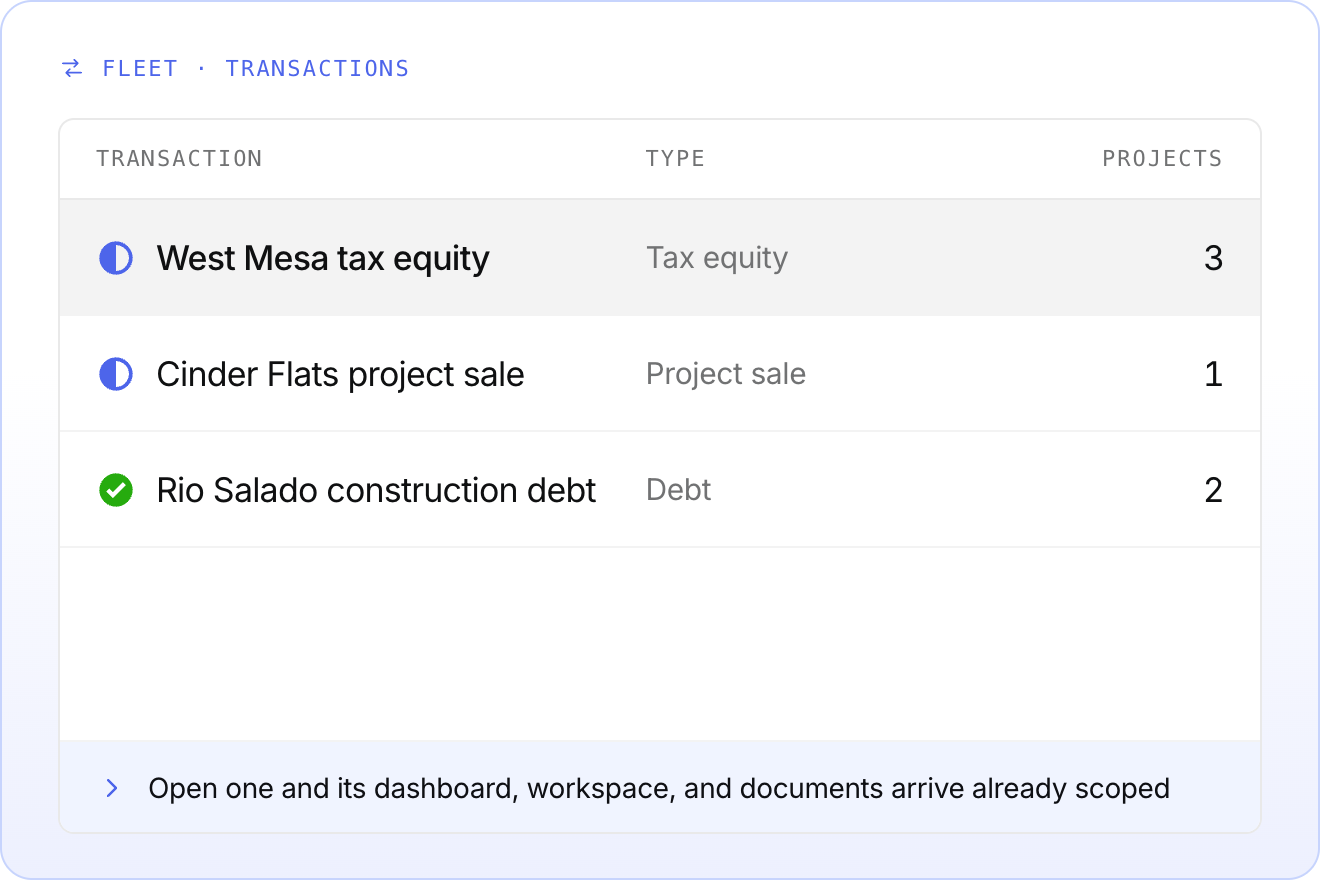
Fleet view now includes a transaction table, so every transaction in the organization sits in one list.
Click into any transaction to open its own view. The dashboard, workspace, and document table arrive already scoped to it, with no filters to apply.
One change to know about: portfolio and project Summary tabs now open on the summary view. Your transaction dashboard is still one click away from the transaction picker in the top right.
Live for internal teams now, with external access coming soon.
Date grouping, now by week and month
Target, created, and modified dates now group by week or month based on how far they sit from today. No more scrolling past a separate group for every single date.
- Target dates group by week inside the next two to three months, then by month
- Created and modified dates group by day for the last week or two, then by week, then by month
See it in workspace by sorting items by target, created, or modified date.
.png)
Copy checklists and RFIs between projects
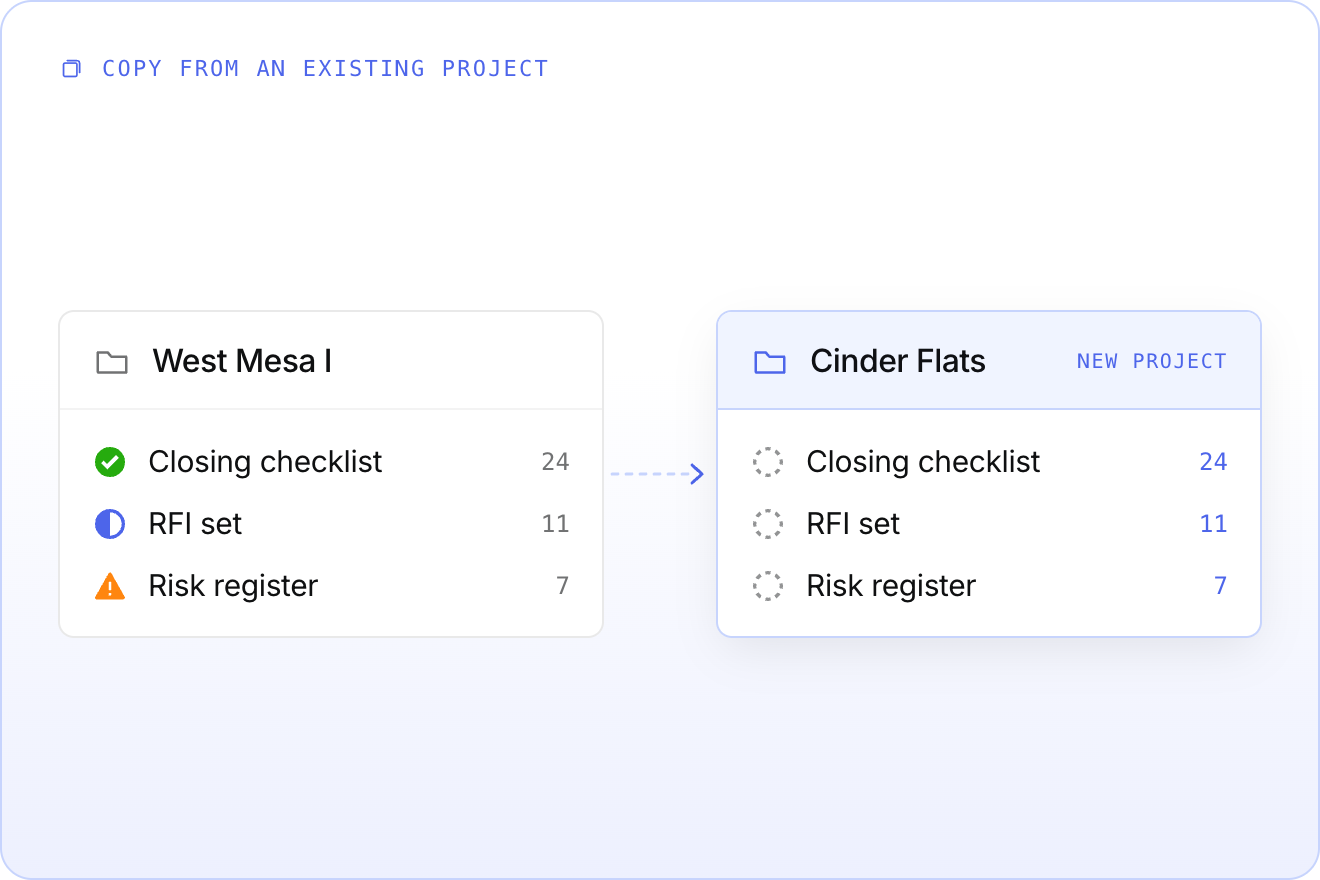
Closing checklists and RFI sets rarely change much from one project to the next. Now you can copy them instead of rebuilding them.
Point at an existing project or template and your action items, RFIs, and risks land in the new project ready to edit.
Find it in the portfolio actions menu. This one is early, so tell us what is missing.
Add images to RFIs and action items
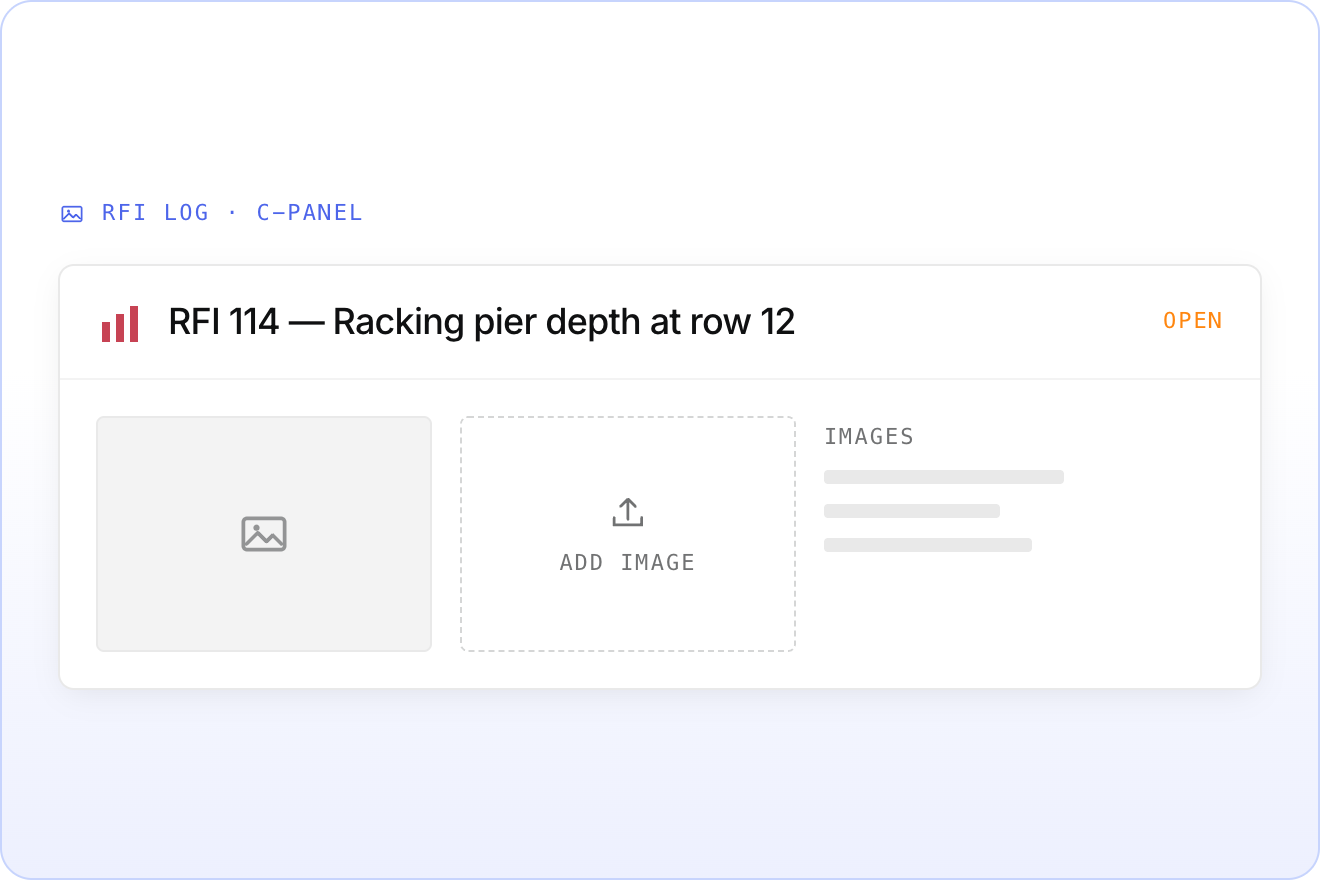
A photo of the site, a snip of the spec sheet, a screenshot of the drawing. You can now attach and view images on RFI log and action item tracker entries.
Upload and view them from the c-panel. The image column stays hidden in the default workspace view, so nothing changes for teams who do not need it.
Repeating details now have built-in titles
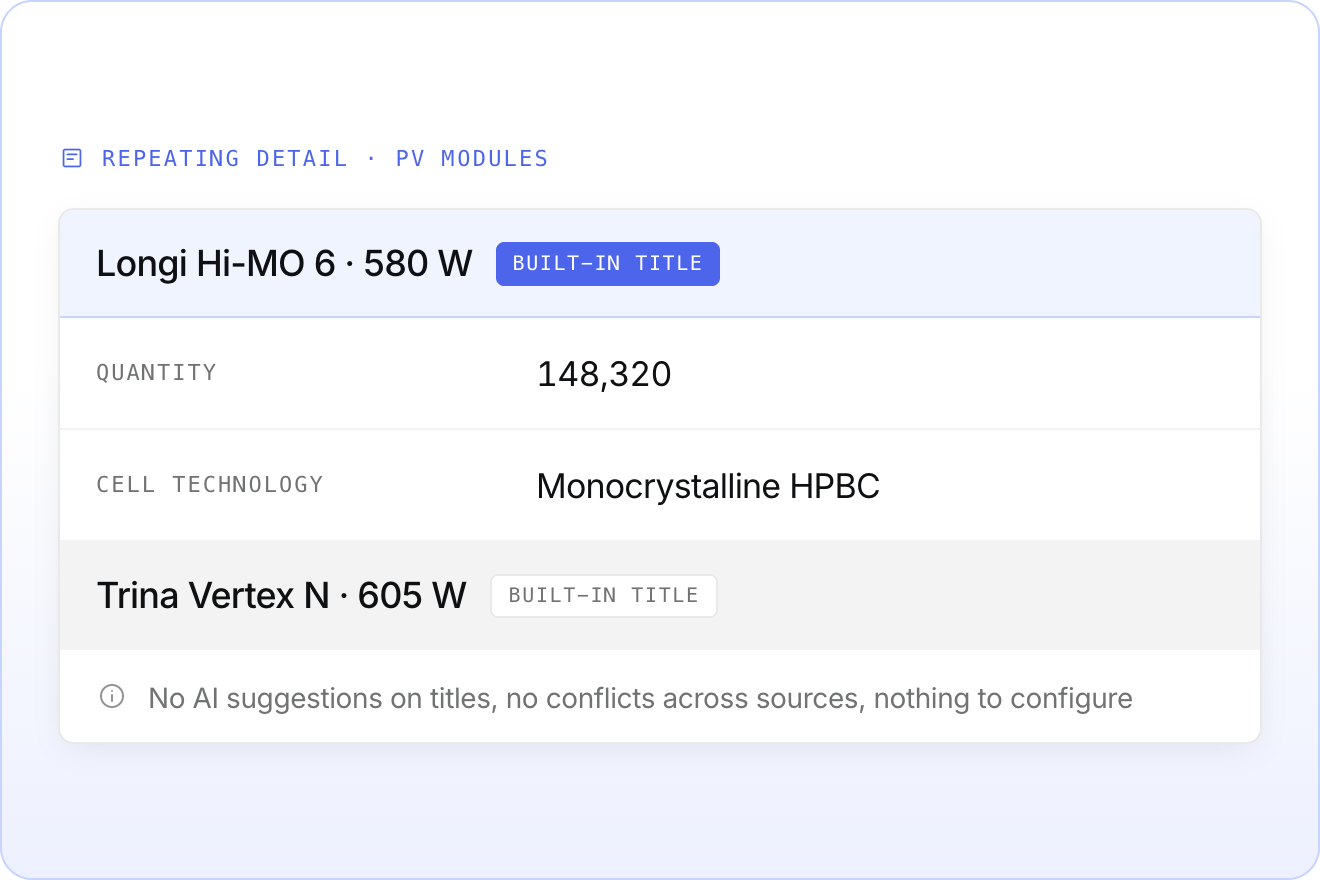
Titles are now a built-in part of every repeating component, so PV modules, interconnection agreements, and every other repeater display correctly out of the box.
That means no AI suggestions on titles, no titles flagged as conflicting across sources, and no Title field for admins to create by hand on each new repeater.
Rotate documents in the viewer
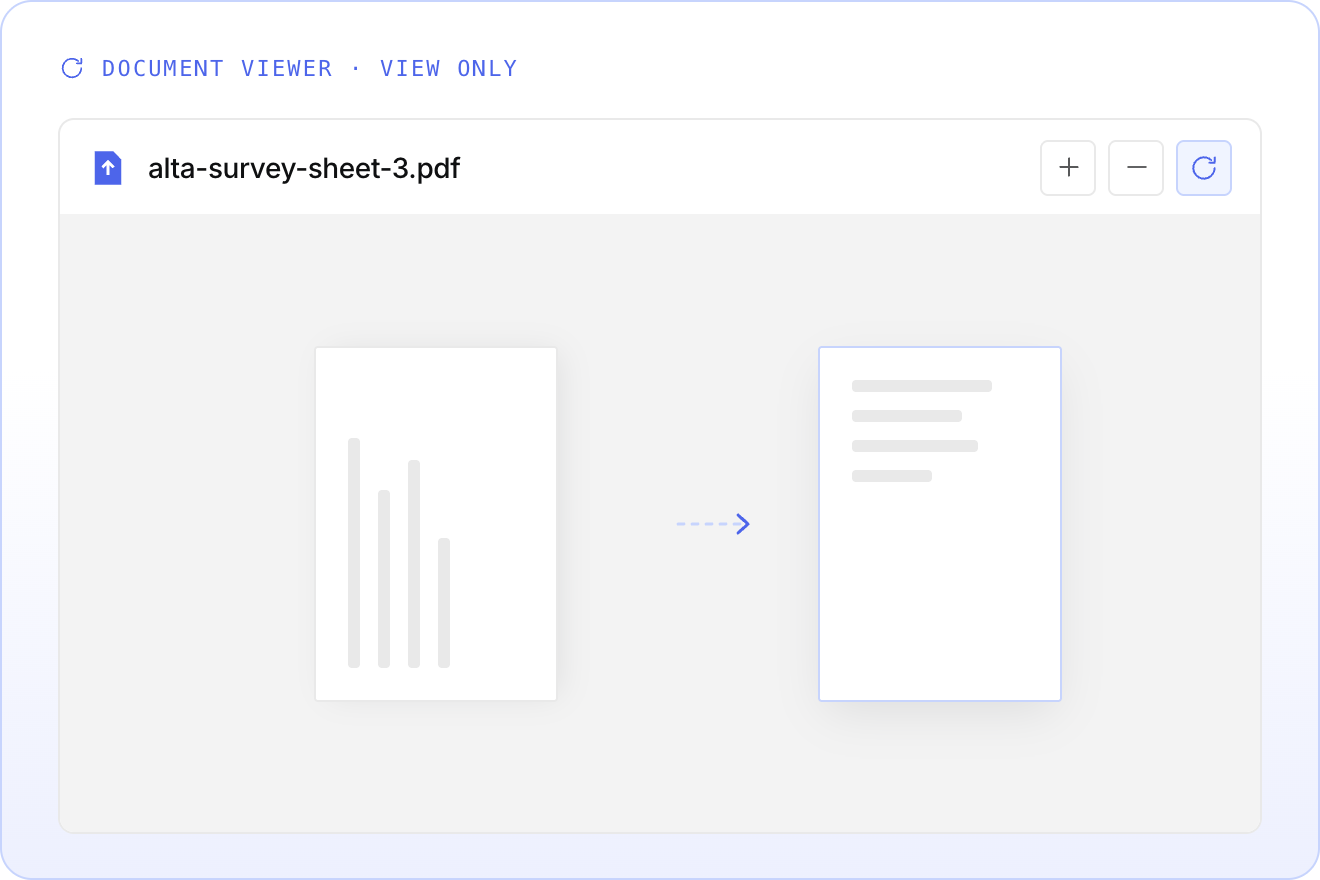
Sideways scans, meet the rotate button. Turn any document to the orientation you need without leaving the viewer.
It is a view-only change, so the stored file stays exactly as it was uploaded. Look for the rotate control in the document viewer toolbar.
Introducing Tax Credit Compliance services
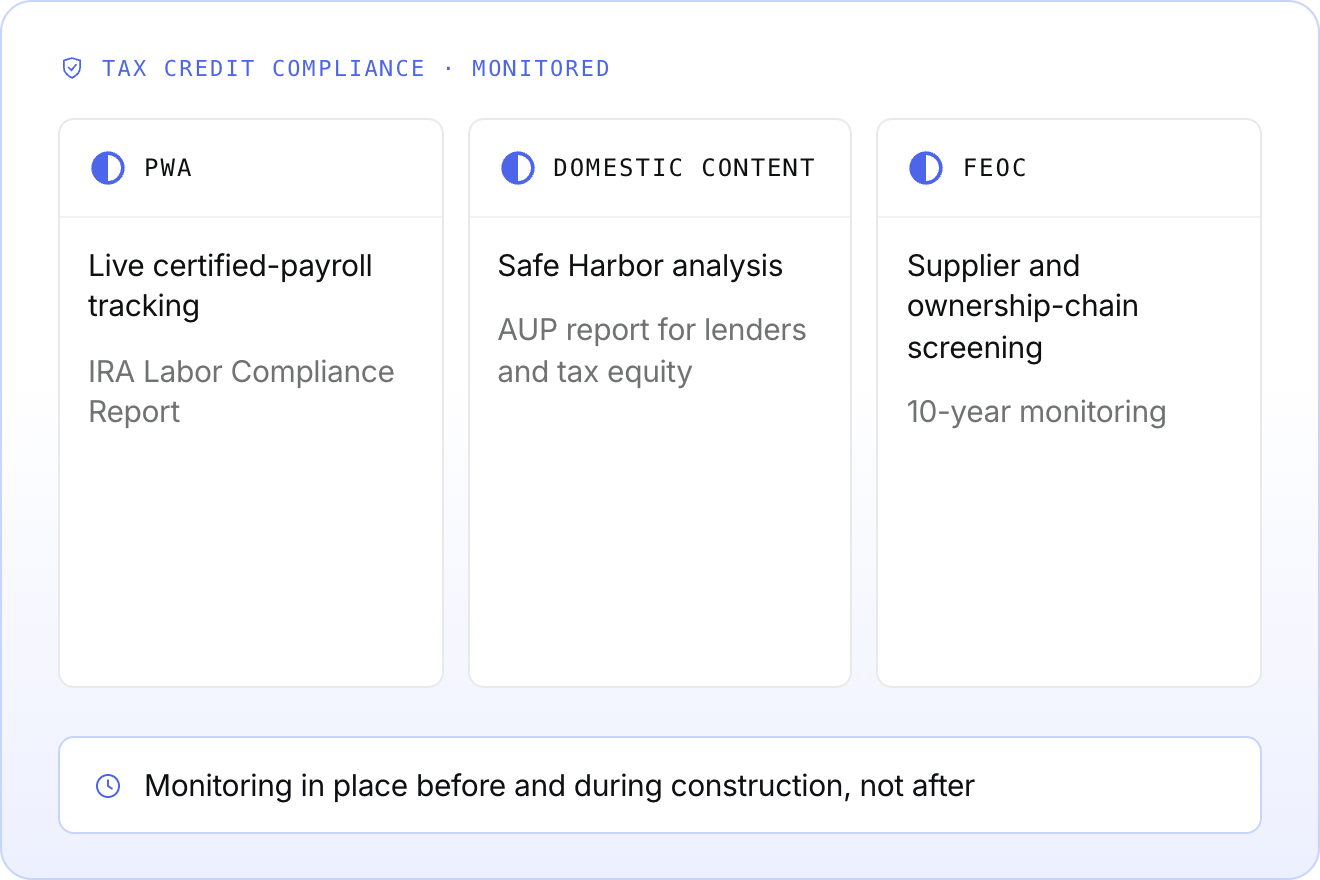
Euclid now offers structured Tax Credit Compliance. We put the monitoring infrastructure in place before and during construction — not after — so an otherwise well-built project does not lose tax equity funding or trigger penalties because the documentation was not there.
- PWA — live certified-payroll tracking and a financing-ready IRA Labor Compliance Report
- Domestic Content — Safe Harbor analysis and an AUP report for lenders and tax equity
- FEOC — supplier screening, ownership-chain diligence, and 10-year monitoring
A faster, filterable pipeline grid
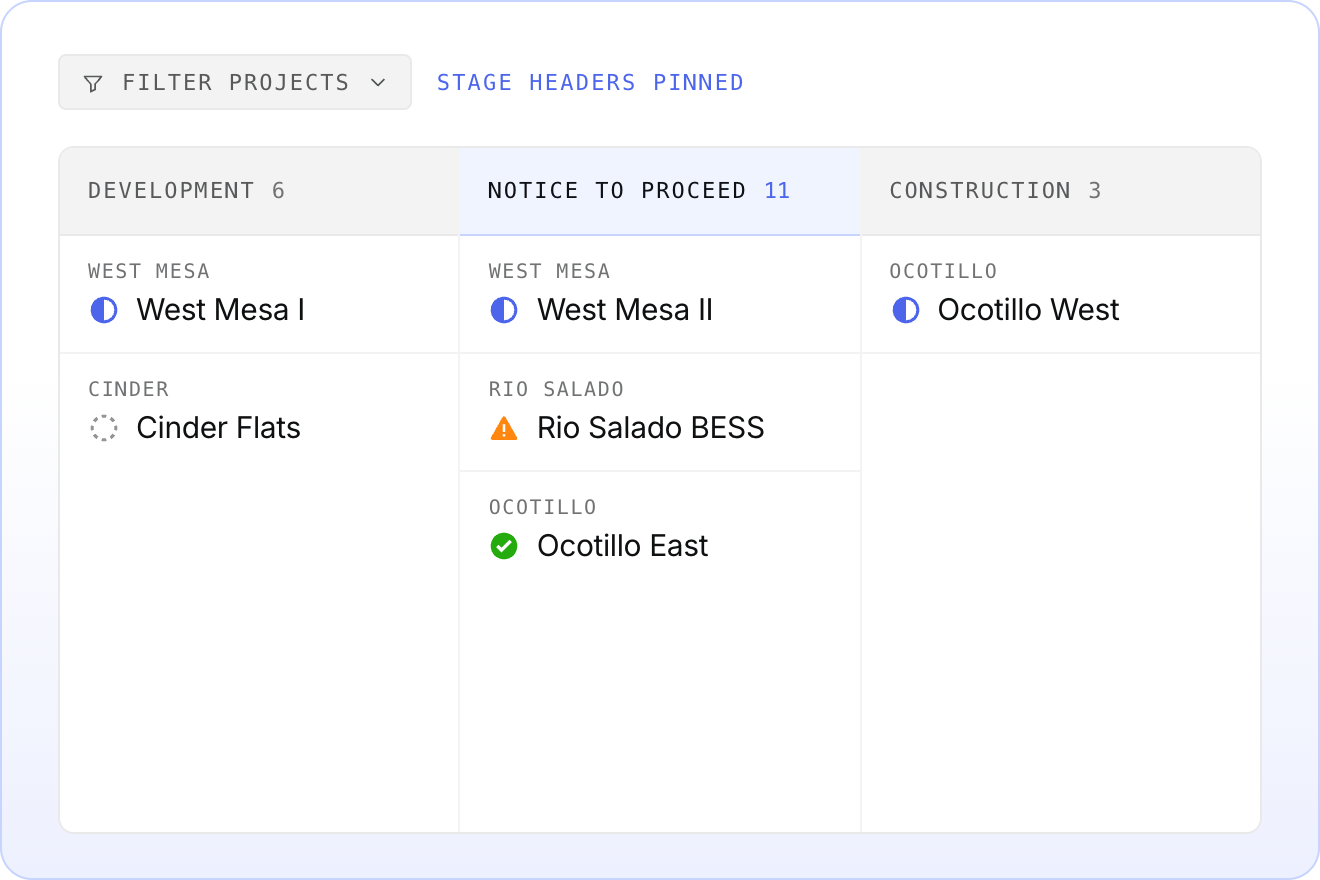
The pipeline grid got a tune-up. Stage headers stay pinned as you scroll sideways, and the grid opens on the stage holding the most projects instead of the far left.
New filters narrow the view fast:
- Show only the stages you care about
- Filter milestones by
Not Started,In Progress, orDone - Filter by assignee, with unmatched milestone columns hiding automatically
Stage, state, and teammate filters now live together in one Filter projects dropdown. Headers and project cells got a fresh coat of paint too, with portfolio name above project name and dividers between stages.
Try it in any portfolio under Pipeline.
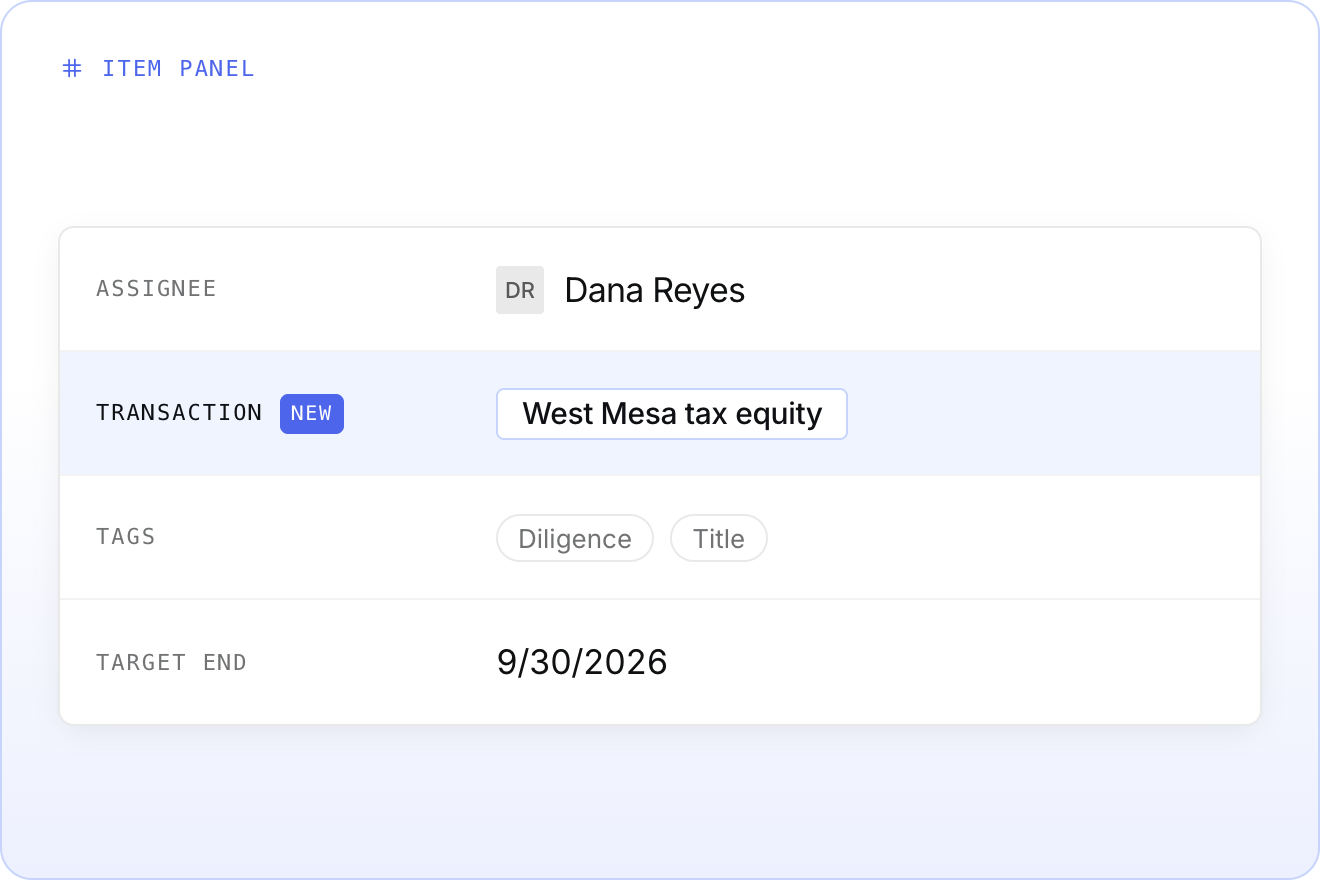
Transaction is now its own field
Items and documents no longer rely on tags to sit inside a transaction. Transaction is an independent field you can set anywhere you edit tags: the item panel, the document table, bulk edit, and everywhere else.
An item belongs to one transaction. A document can belong to as many as you need.
We migrated your existing transaction data to the new format, so dashboards keep working exactly as they did.
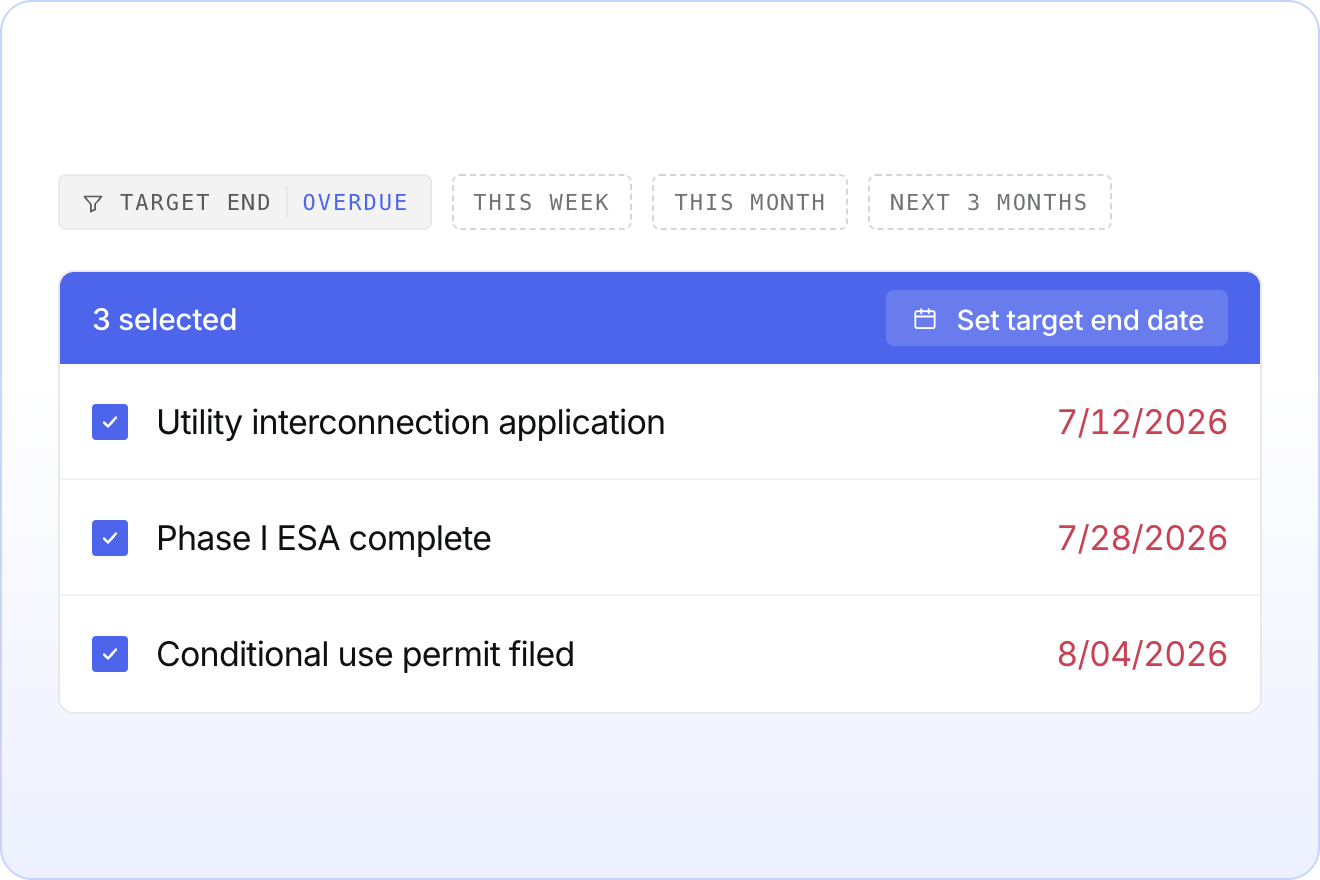
Find overdue milestones, then reschedule them at once
Two new ways to work with target end dates. Filter milestones by Overdue, This week, This month, or Next 3 months to see what needs attention.
Then select everything that has to move and set a new target end date in one go. Bulk edit applies to items that are not using scheduled dates.
The filter lives in the milestones view of workspace. Bulk edit appears the moment you select more than one item.
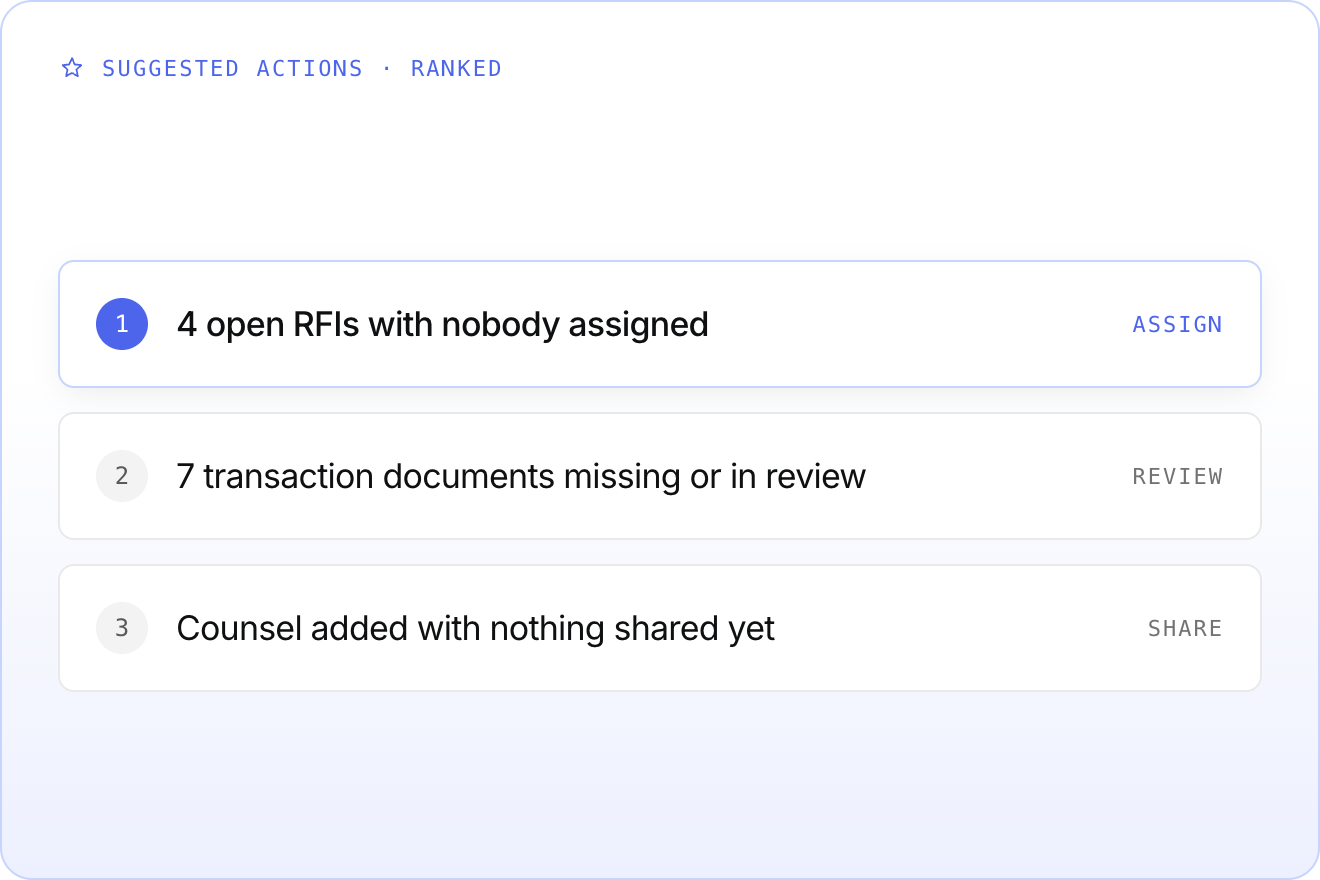
Suggested actions on your transaction dashboard
Your transaction dashboard now tells you what is slipping, without anyone going looking for it.
Suggested actions surface the gaps that quietly stall a close:
- Open RFIs on this transaction with nobody assigned
- Transaction documents still missing or waiting on review
- A legal party on the team with nothing shared to them yet
Suggestions are ranked, so the one worth doing first is the one you see first. Look for them at the top of the transaction dashboard.
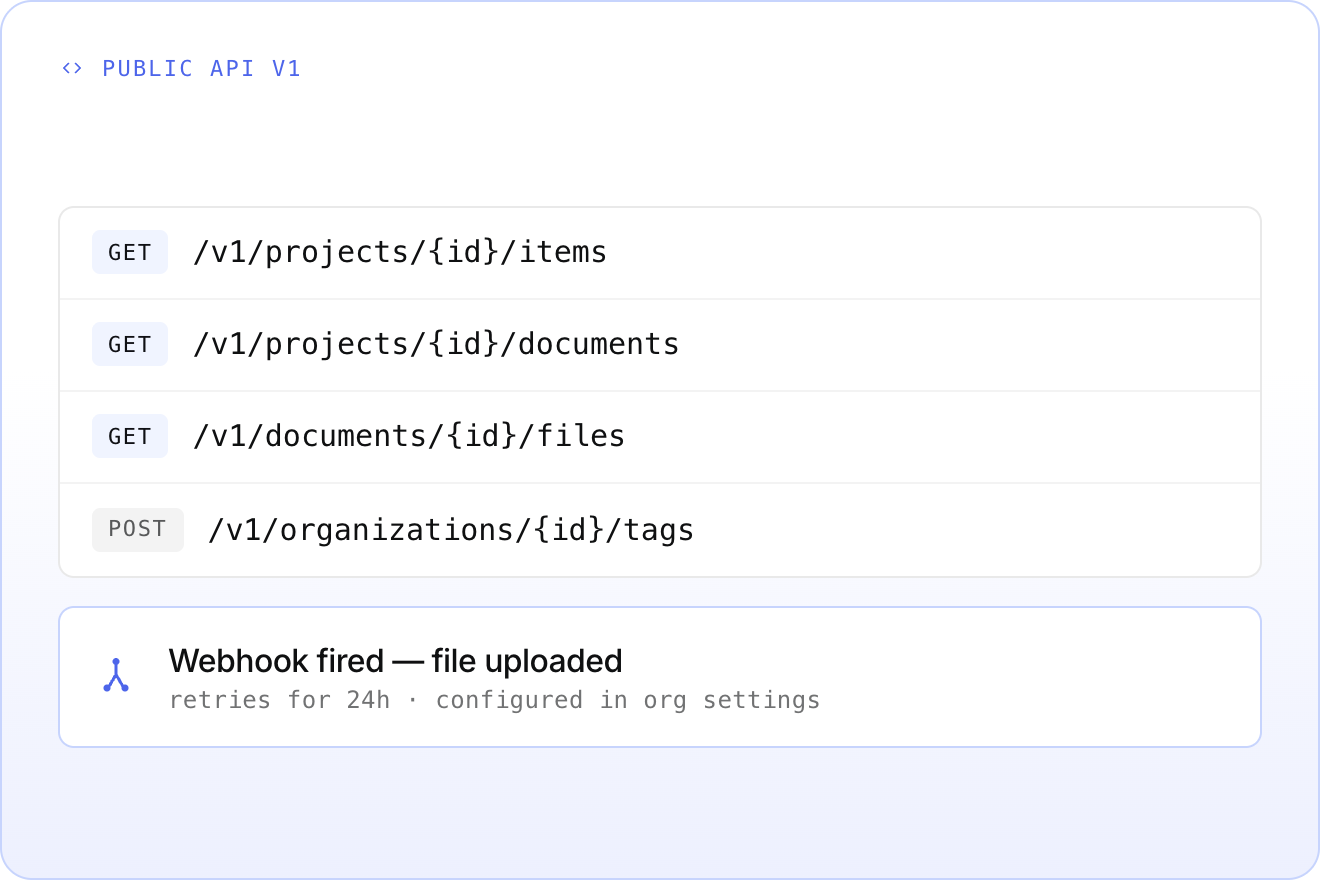
New v1 APIs, plus webhooks
Your systems can now read from Euclid directly, and react the moment something lands.
New endpoints in the public v1 API:
- Read a workspace item, or every item in a project
- Read a document, or every document in a project
- List and download the files attached to a document
- List organization memberships, and manage tags
Webhooks are here too. Configure them from the new admin panel in organization settings. The first supported event fires when a file is uploaded to a document or categorized into one, and we keep retrying delivery for 24 hours.
Browse the full schema at api.euclidpower.com/v1/swagger →
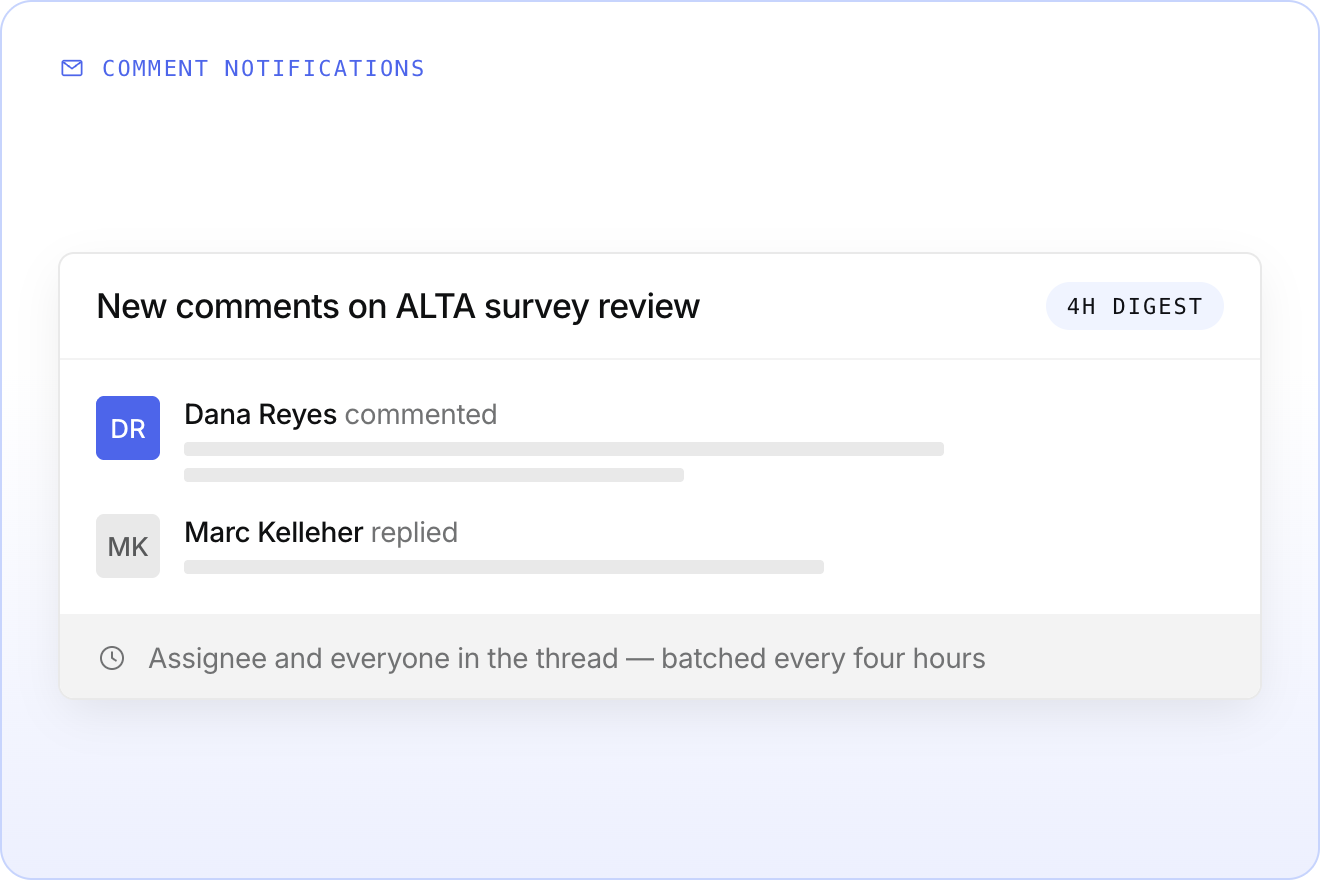
Get an email when someone comments
Internal comments no longer live and die inside the platform. When someone comments on an item, the assignee and everyone who has posted in that thread gets an email.
Notifications are batched every four hours, so a busy thread arrives as one digest instead of a stream of alerts.
Mark a whole row of documents at once
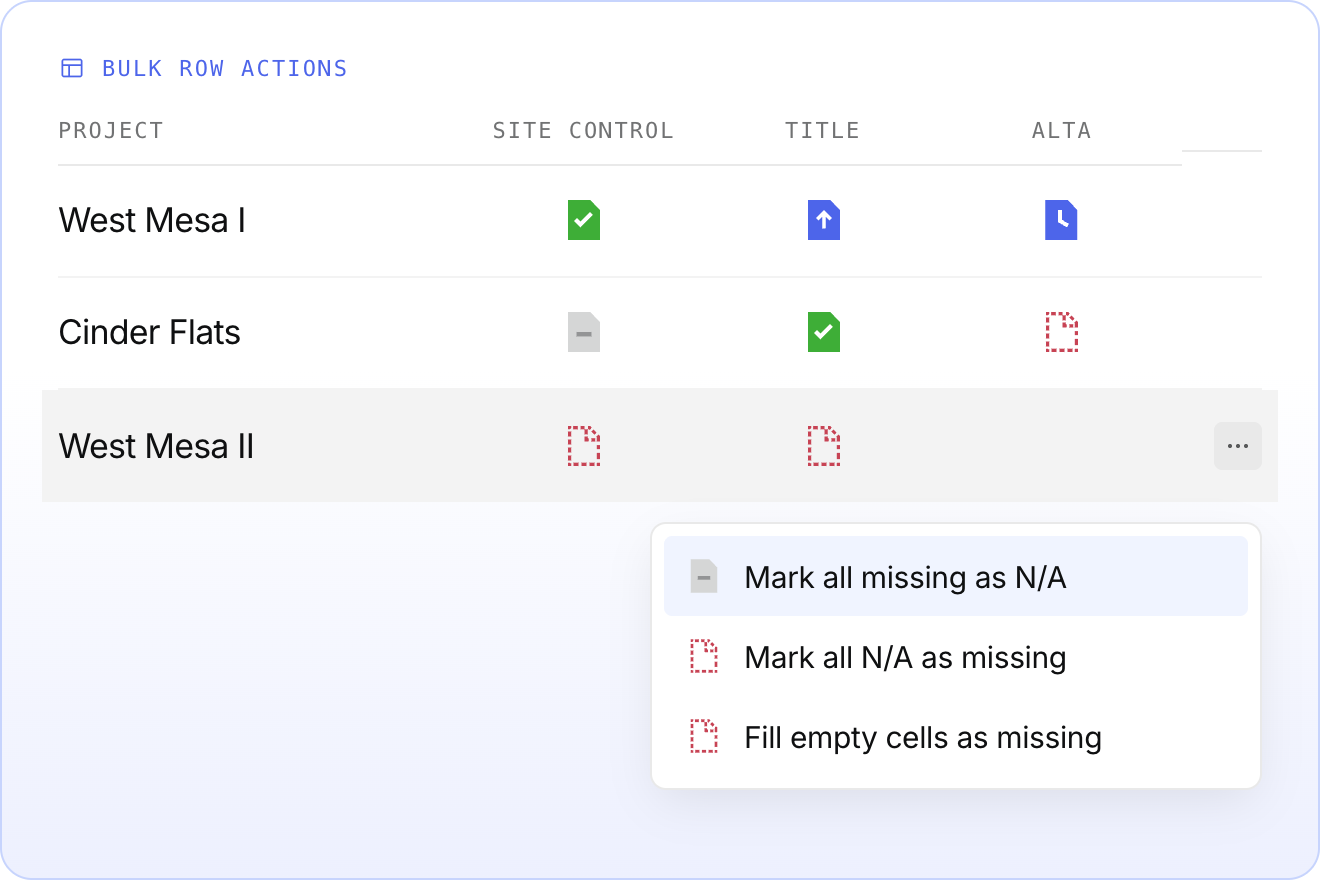
Blank cells in the document table make it hard to tell what is genuinely absent and what nobody has touched yet. Now you can settle a whole row in one move.
From the overflow menu, you can:
- Mark every
Missingdocument in a row asN/A, as long as nothing has been uploaded - Flip a row of
N/Adocuments back toMissing - Fill every empty cell with a
Missingentry, so no blanks are left to interpret
The old Edit button is now the overflow icon. One caveat: bulk actions do not respect active filters yet, so they apply to the full row.
Jump anywhere with cmd-K
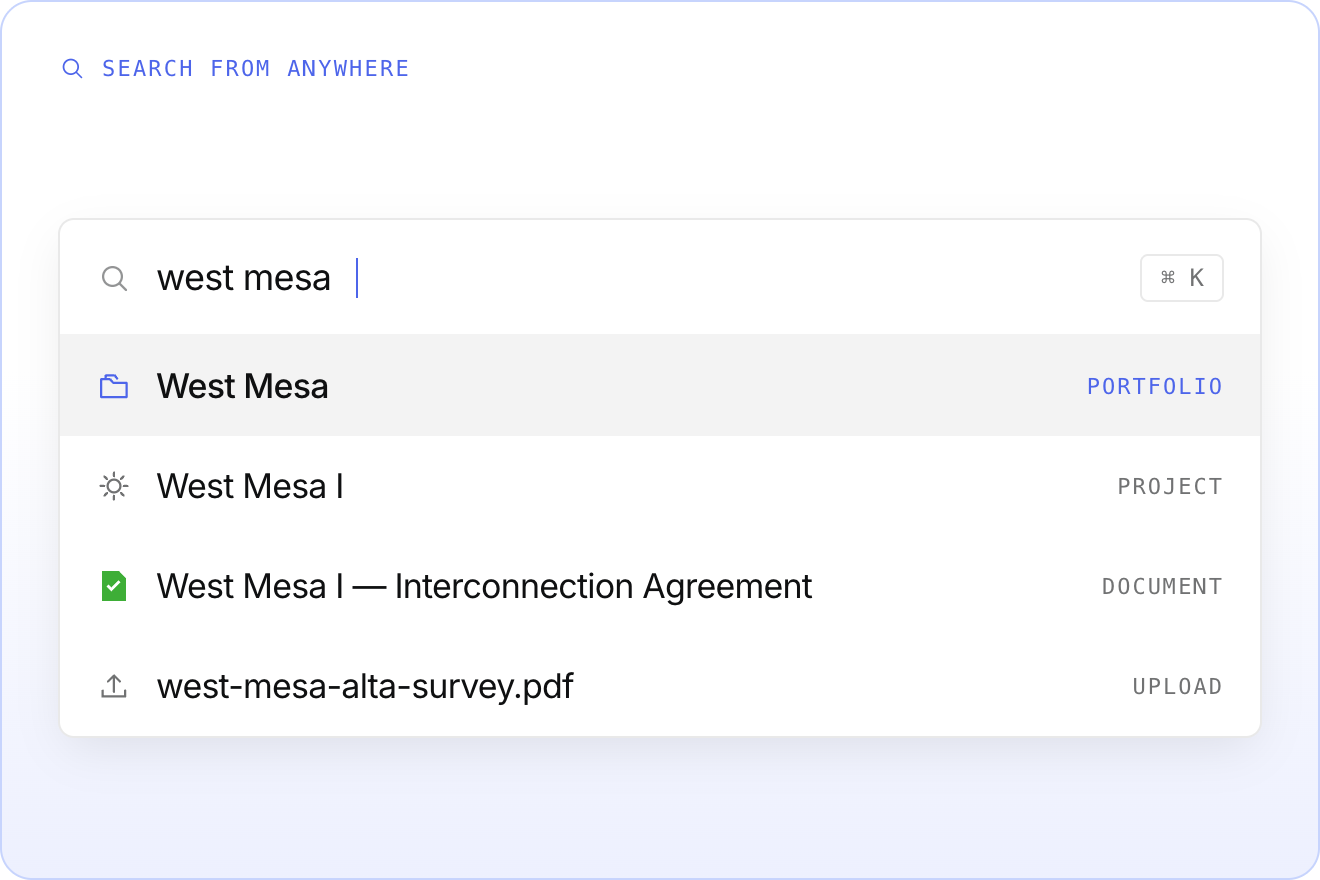
Press ⌘K on Mac or Ctrl K on Windows from any page in an organization, start typing, and go straight to a portfolio, project, document, or upload.
No menu to hunt through, no clicking back to the top. Type what you are looking for and go.
See where every detail came from
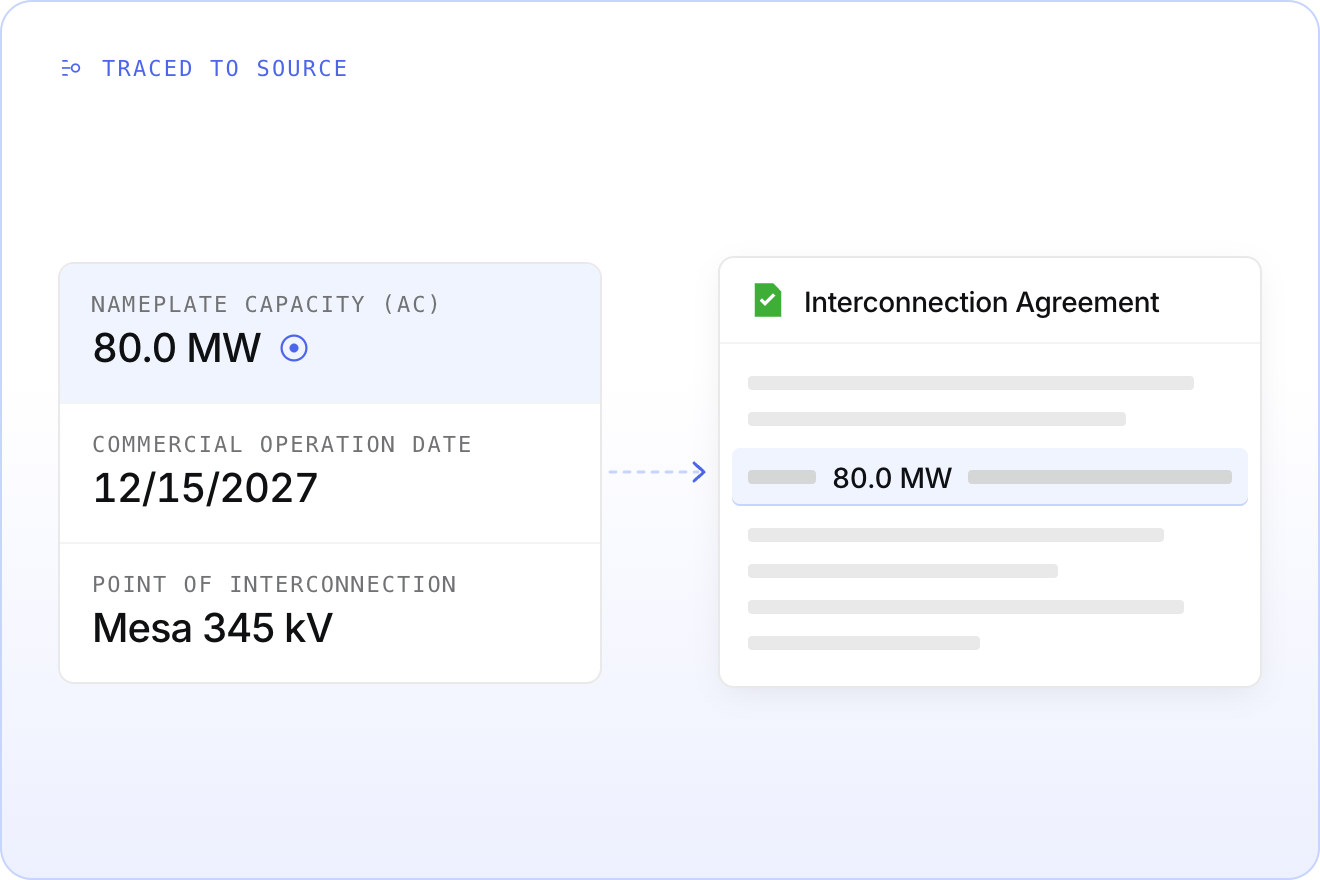
Every verified AI-suggested detail can now be traced back to the document it came from, with the exact text highlighted.
Click the conformity indicator beside a detail and the source document opens with the passage marked. Confirm a value in seconds instead of opening the file and hunting for the line.
Works from Portfolio Details, Project Details, Red Flag Snapshot, and the Details panel. First step toward tracing everything in the platform back to source.
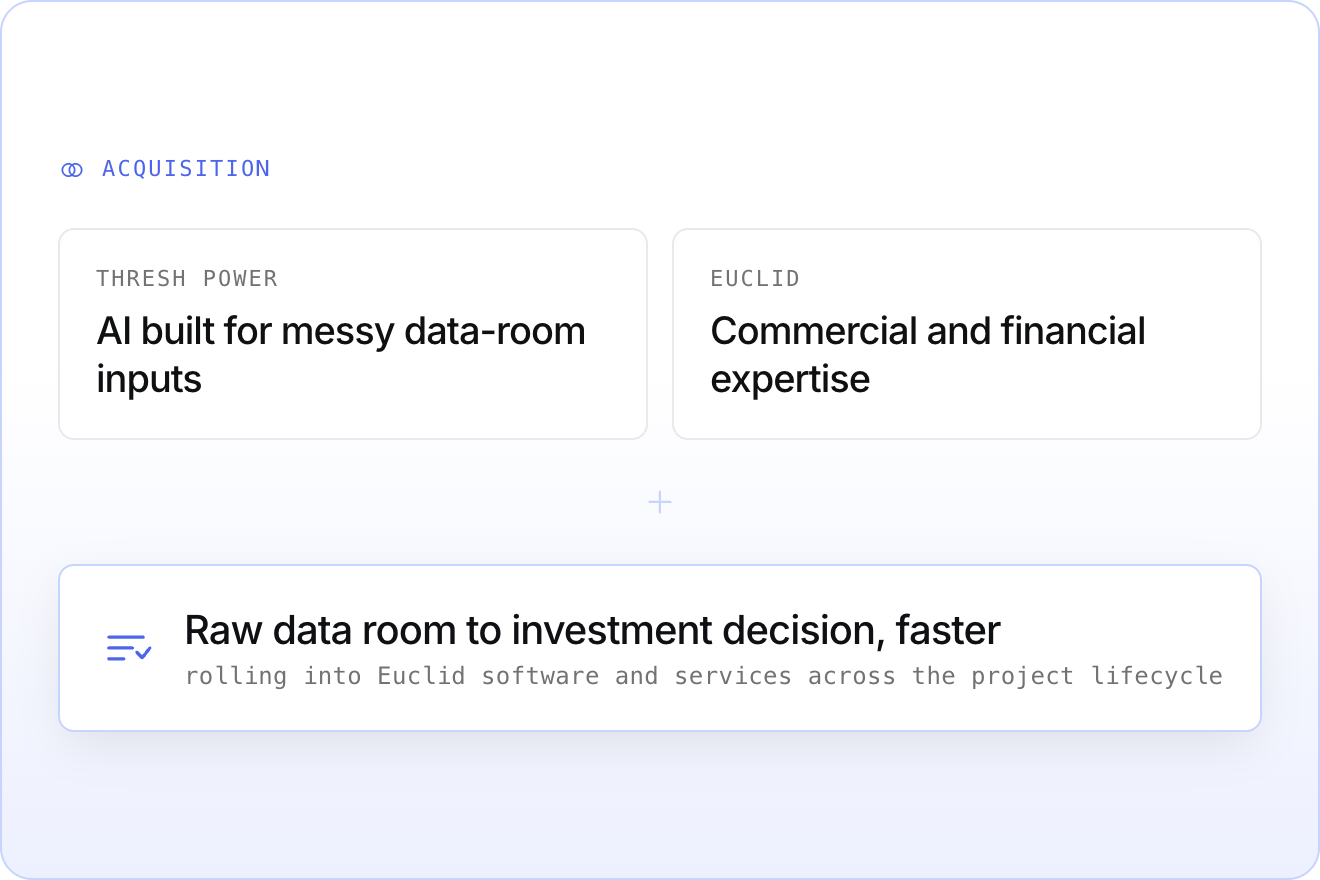
Euclid acquires Thresh to expand our AI-powered diligence
We have acquired Thresh Power, an AI-native platform purpose-built for the complexity of solar and storage diligence. Pairing Thresh's ability to extract and synthesize messy data-room inputs with Euclid's commercial and financial expertise gets teams from raw data room to investment decision faster.
- AI built to handle the volume and inconsistency of project data rooms
- Extraction that surfaces the details driving investment decisions
- Rolling into Euclid's software and services across the project lifecycle
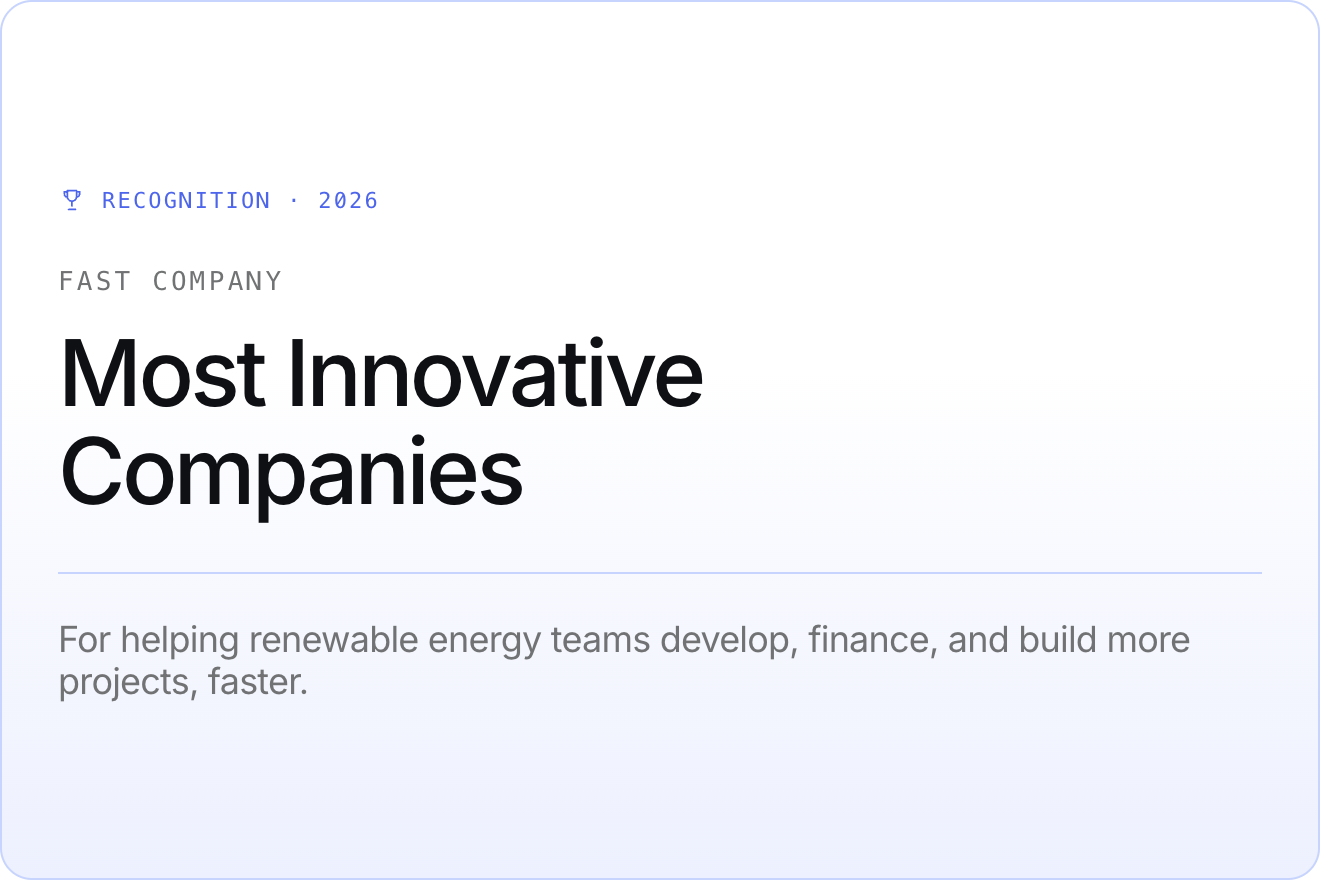
Euclid named one of Fast Company's Most Innovative Companies for 2026
We exist to help renewable energy teams develop, finance, and build more projects, faster. The people at Euclid make that possible every day.
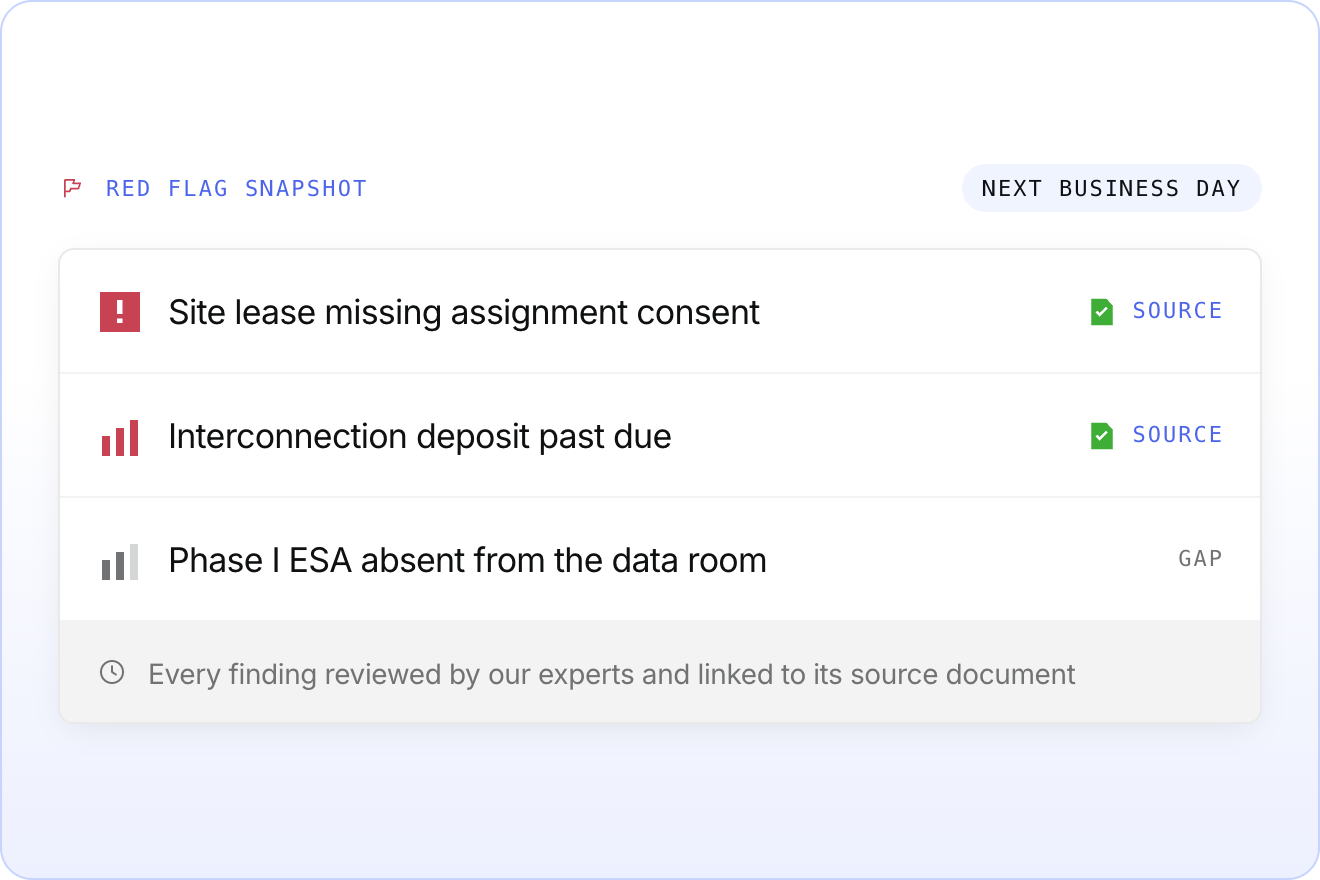
Introducing Red Flag Snapshot: from deal chaos to clarity in 24 hours
Send us a data room and Red Flag Snapshot delivers a structured risk screen of a solar or storage project by the next business day. Every finding is reviewed by our renewable energy experts and linked to its source document — weeks of early diligence compressed into a single day.
- Potential nonstarter risks and critical gaps in the document set
- A prioritized list of open questions for follow-on diligence
- Every finding traceable to source, right inside the Euclid platform
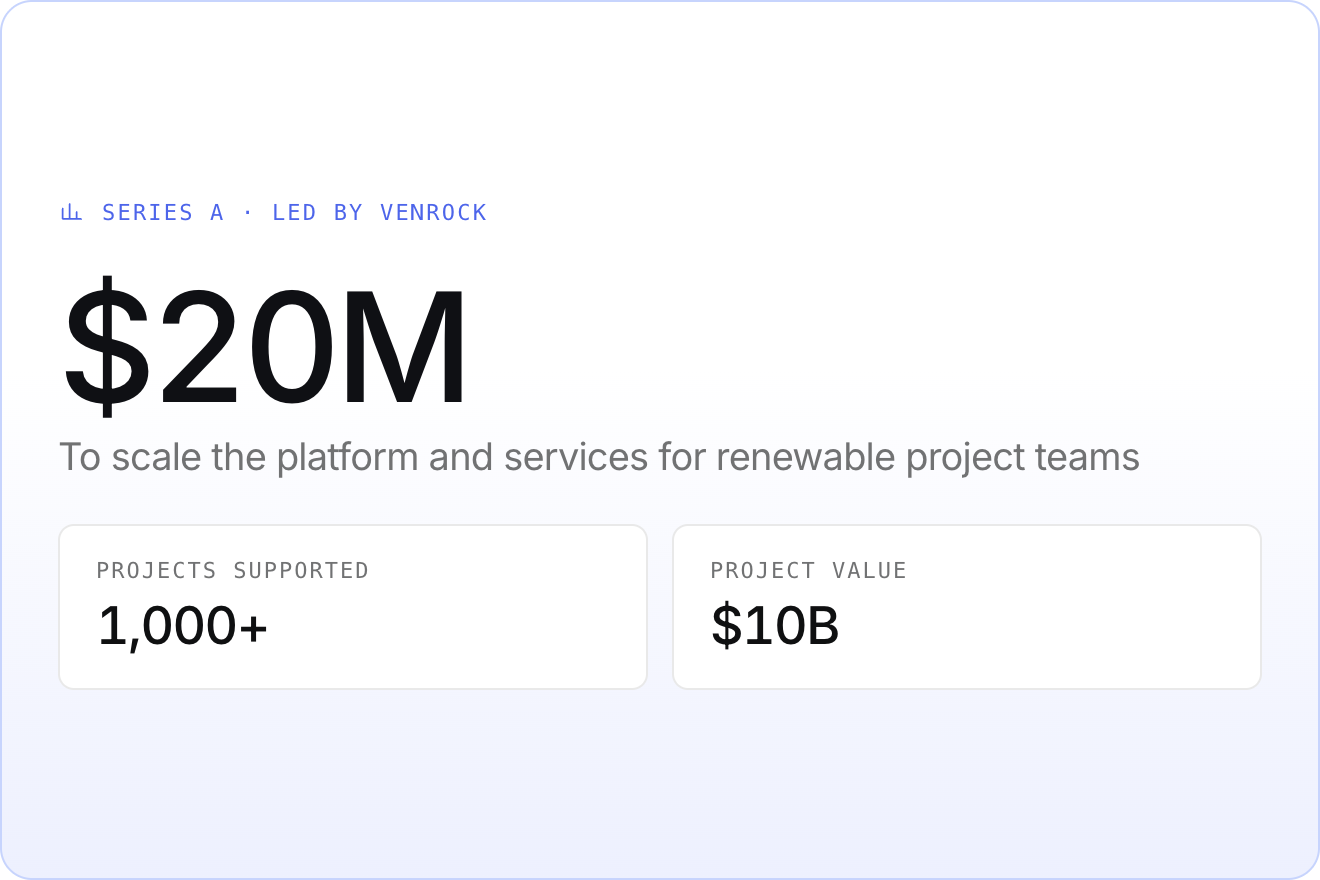
Euclid raises a $20M Series A led by Venrock
We raised $20 million in Series A funding, led by Venrock, to accelerate renewable energy projects with our AI-driven platform and services. Since founding Euclid, we have supported over 1,000 solar and storage projects representing $10 billion in value.
- New platform features giving teams more control over transactions and financing
- Development and program management services so small teams can deliver big projects
- Compliance offerings that keep projects eligible for tax credits through new regulatory hurdles